Turn Four / Support
Need a hand?
A few answers to keep you playing. If something still feels wrong, email Andrew.
How do I play?
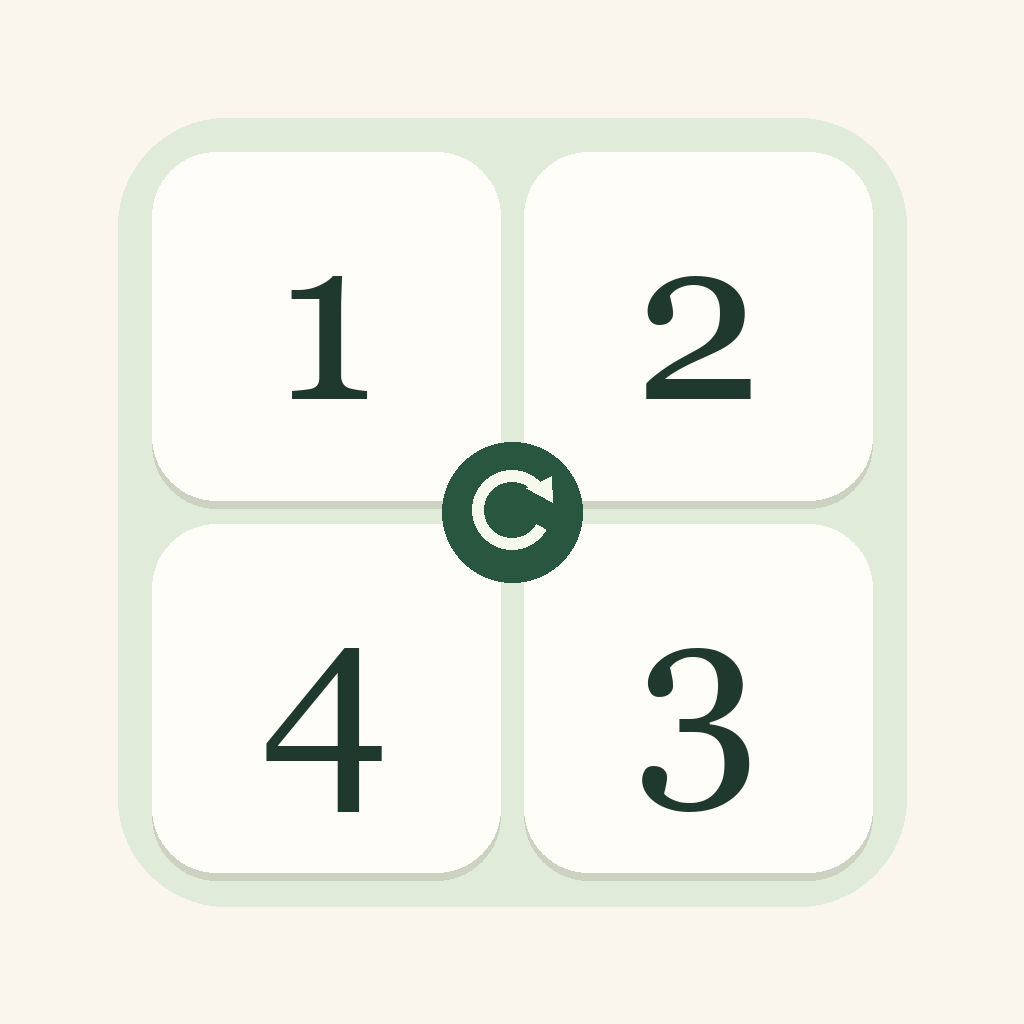
Tap a round arrow to rotate its four surrounding tiles by a quarter-turn. Choose Clockwise or Other way to change the direction. Every row, column and outlined 2×2 box needs 1, 2, 3 and 4, once each. The question-mark button in the app opens the full instructions.
Which puzzles should I try?
Start with five warm-ups, follow 40 Play levels that gradually need more planning, or choose any of the 20 standalone Challenges. Finish a Play level to unlock the next. The library shows completed and unfinished puzzles.
How do hints and rewards work?
You start with five extra hint credits. Each new Play level or Challenge has one free hint; another new hint costs one credit. A first Play completion earns one credit, a first Challenge completion earns two, and finishing a five-level Play chapter earns three bonus credits. Warm-ups and completed-puzzle replays have free hints. Repeating an already revealed hint does not charge again. Undo and Restart do not refund credits, and replaying a completed puzzle does not earn another reward. Hints show a route to a solution, which may not be the shortest.
Why do turns happen without animation?
Turn Four follows your iPhone’s Reduce Motion preference. When it is enabled, the four tiles move immediately. You can check it in Settings → Accessibility → Motion → Reduce Motion. Keep whichever setting is most comfortable for you.
Is progress saved?
The game saves your boards, moves, undo history, completed puzzles, hint balance and position in Play on your iPhone. You can close the app and return later. Progress does not currently sync between devices. Avoid deleting the app when troubleshooting: deletion removes its local progress.
Why can’t I turn a tile group?
Tap the round arrow between four tiles. Turns pause briefly while a rotation is playing. A completed board cannot be turned until you use Undo or Restart. The direction buttons change the arrows for your next move.
How do I report a problem?
Email hello@source120.com with your iPhone model, iOS version, puzzle name, what you did and what happened. A screenshot can help. For animation issues, mention whether Reduce Motion is enabled. Please do not send passwords or unrelated personal information. We will reply by email; no account is needed.